ChatGPT vs Gemini vs Claude: Which AI Tool Should You Use?
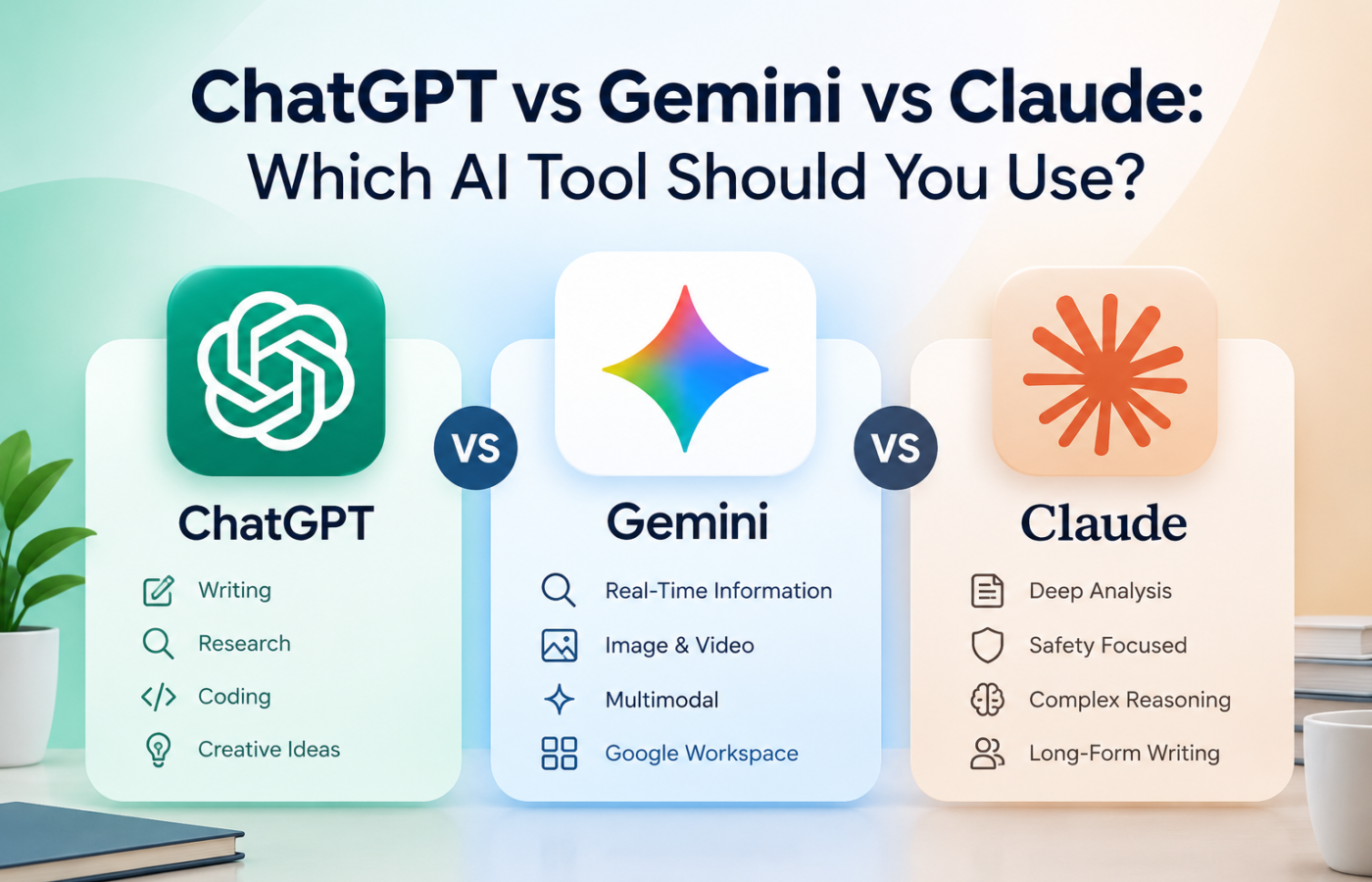
Every week, someone asks me the same question: “Which AI tool is the best?” I get it. There are so many choices, and they all sound smart. But the truth is simple. There is no single winner. The best AI tool is the one that fits your work.
In this article, I will compare ChatGPT, Gemini, and Claude in plain words, so you can pick the right one today.
Quick Look at Each AI Tool
- ChatGPT is made by OpenAI. It is the most famous AI chatbot in the world. It can write, answer questions, make images, and help with daily tasks.
- Gemini is made by Google. It works closely with Gmail, Google Docs, Google Drive, and Google Search. If you live inside Google apps, you will feel at home.
- Claude is made by Anthropic. It is known for natural, clear writing and for handling long documents very well.
Side-by-Side Comparison
| Feature | ChatGPT | Gemini | Claude |
| Best for | All-round use | Google users, research | Writing, long files |
| Writing style | Friendly, flexible | Straight to the point | Natural, human-like |
| Coding help | Very good | Good | Very Good |
| Google apps | Limited | Excellent | Limited |
| Long documents | Good | Good | Excellent |
| Free plan | Yes | Yes | Yes |
Features and limits change often, so always check each tool’s official website for the latest plans and prices.
When Should You Use ChatGPT?
ChatGPT is like a Swiss Army knife. It does many things well. If you want one tool for everything, start here.
- Brainstorming ideas and making plans
- Making images and quick study help
- Daily tasks like emails and summaries
Example: Say you run a small online shop. You can ask ChatGPT to write ten product descriptions, a welcome email, and three Instagram captions in one chat.
When Should You Use Gemini?
Gemini shines when your work already lives inside Google. It can connect with your Gmail, Docs, and Drive, and it is great for fresh, search-based answers.
- Planning trips and checking facts
- Summarizing emails and Google Docs
- Research that needs up-to-date information
Example: You are a student with notes saved in Google Drive. You can ask Gemini to turn your notes into a short study guide, without copying and pasting anything.
When Should You Use Claude?
Claude is my pick when quality of writing matters. Its answers often sound calm, clear, and more human. It also reads long PDFs and big documents with ease.
- Blog posts, essays, and reports
- Reading and summarizing long files
- Careful coding help and explanations
Example: You are a blogger with a 40-page report. Upload it to Claude and ask for a one-page summary with the key points. You can then ask it to turn those points into a blog draft.
Which One Is Best for Your Needs?
Here is a quick way to decide:
- Students: Gemini for research, Claude for essays
- Bloggers and writers: Claude for writing, ChatGPT for ideas
- Small business owners: ChatGPT for all-round help
- Office workers using Google: Gemini
- Beginners: Start with ChatGPT, since it is easy and popular
Free or Paid?
All three offer a free plan. For most people, free is enough to start. Pay only when you hit daily limits or need stronger features. Test each tool for a week first. Do not pay for all three.
My Honest Advice
You should not limit yourself to just one. There are many users who make use of various tools. For example, ChatGPT helps them come up with ideas, while Gemini is useful for research and Claude serves to perfect the final text.
Try the same task in all three. Ask each one to write a short email or explain a topic. Then compare the answers. You will quickly see which tool “gets” you.
Conclusion
No specific AI tool is suitable for everybody, as ChatGPT is a solid all-purpose tool, Gemini is a good fit for the Google ecosystem, and Claude is good at clear writing and large texts. Thus, the best AI tool choice depends on your needs, not what’s trending.
Which AI tool fits your needs best? Tell your thoughts in the comments below!